Downloads

Get SculWave running on your Bedrock world.

Everything on this page is free: the player app, the Realm add-on, the server add-on and self-hosting. You only pay if you want us to host the voice servers.

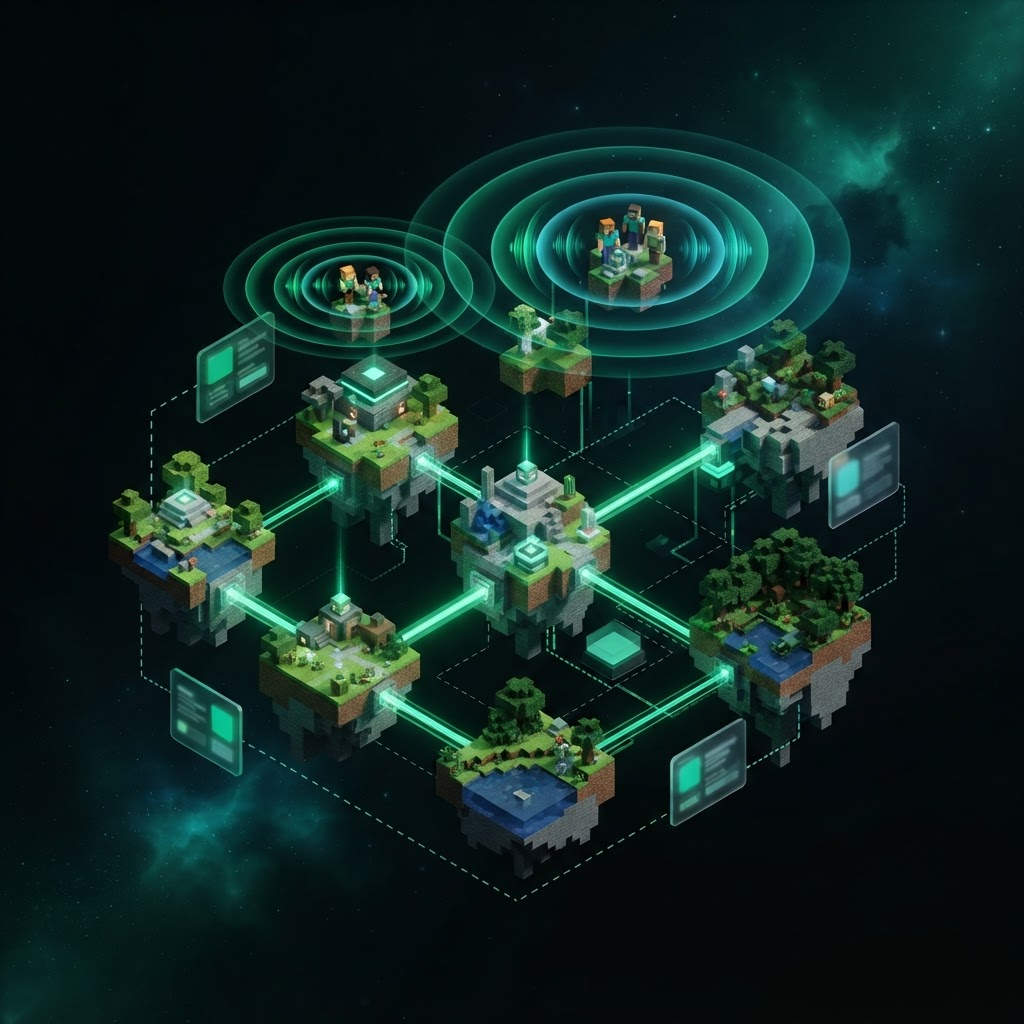
Floating Minecraft worlds linked together by voice

Bedrock Edition

Choose your Bedrock setup.

Minecraft Realms

Bedrock Realms

Realms can't make network connections, so a bridge bot joins your Realm and talks to SculWave for you. You set it up from the dashboard, and nothing is installed on a server.

Minecraft 1.26.60+Separate bot Microsoft account
Download Realm add-on

Free • v1.1.1 • 0.08 MB • 11/15/2026

  1. 1Link your Realm in the dashboard (Realm Setup)
  2. 2Make the bridge bot a Realm operator
  3. 3Import the Realm add-on (.mcaddon)
  4. 4Run the activation commands in game

Dedicated server

Bedrock Dedicated Server

Add the SculWave add-on, a behavior pack and a resource pack. It connects straight from your server to SculWave, so no extra software is needed.

BDS 1.26.60+Outbound HTTPS + WebSocket
Download server add-on

Free • v1.1.1 • 0.07 MB • 11/15/2026

  1. 1Copy the behavior and resource packs into your server
  2. 2Enable both packs on your world
  3. 3Allow the script modules in permissions.json
  4. 4Activate with your network key

Java Edition

Beta

Java plugin (v1.0.1)

Beta

Java Edition support is still in beta. It is fine for testing, but not ready for production servers yet. Bedrock is our main focus.

The Java plugin works on Paper-based servers. Install it on every backend server in your network. It is not a Velocity plugin.

24 downloads10.13 MB10/31/2026
Download Java plugin (beta)

Paper

1.21.8+

Beta

Folia

1.21.8+

Beta

Fabric

Coming Soon

Coming soon

Documentation

Setup guides for Realms and Bedrock dedicated servers, plus configuration, commands and troubleshooting.

Read documentation

Java plugin release notes

Beta

v1.0.1 • 10/31/2026

**Full Changelog**: https://github.com/SculWave/sculwave-plugin/compare/v1.0.0...v1.0.1
View on GitHub →